

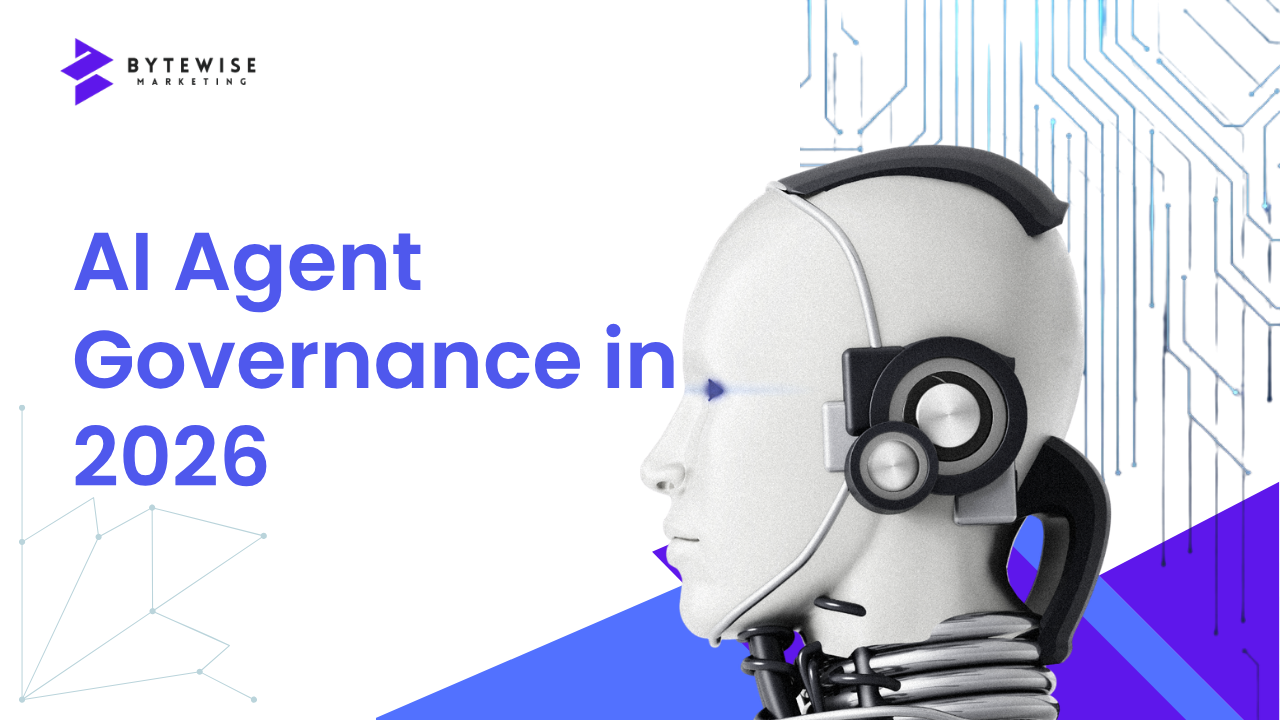
AI agents are moving from experiments and chat interfaces into real business workflows. They can read documents, query systems, update records, trigger automations, and complete multi-step tasks. That creates a bigger opportunity than another productivity chatbot—but it also creates a bigger governance problem.
In 2026, the question for many businesses is no longer simply “Can we build an AI agent?” It is “How do we let an AI agent act without giving it more access, authority, or freedom than the business can safely manage?”
Recent enterprise guidance from major technology providers increasingly emphasizes the same foundation: identity, permissions, data access, observability, governance, and human oversight need to be designed into agentic systems rather than added after deployment. NIST’s AI Risk Management Framework also continues to provide a useful risk-management structure for organizations adopting AI.
This guide focuses on eight practical controls businesses should put in place before an AI agent becomes part of a production workflow.
Why AI Agent Governance Is Different
A conventional software application normally follows predefined logic. An AI agent can interpret a goal, decide which tools to use, retrieve information, generate an output, and take an action based on context.
That flexibility is valuable, but it changes the risk model. An agent may have access to customer records, internal documents, email, CRM data, APIs, financial information, or operational systems. If its permissions are too broad or its actions are not monitored, a small design mistake can become a business process problem.
Governance therefore needs to cover more than the model itself. It should cover the complete system around the agent: its identity, tools, data, permissions, workflow, instructions, approvals, logs, owners, and lifecycle.
1. Give Every Production Agent a Clear Owner
Every production agent should have a named business owner and a technical owner.
The business owner is accountable for the outcome the agent is supposed to deliver. The technical owner is responsible for its implementation, integrations, monitoring, and maintenance. For higher-risk workflows, security, compliance, or legal stakeholders may also need defined responsibilities.
This prevents a common failure mode: an agent is created for a useful experiment, continues running after the original project ends, and nobody is clearly responsible for what it does.
At minimum, document:
- What the agent is intended to accomplish
- Which business process it supports
- Who owns the outcome
- Who maintains the system
- Which systems and data it can access
- What actions it is allowed to take
- When it should be reviewed or retired
2. Treat the Agent as an Identity, Not Just a Prompt
One of the most important governance changes in agentic AI is treating the agent as a controlled digital identity.
Do not assume that an agent should simply inherit a user’s full permissions. Apply least-privilege access: give the agent only the permissions it needs for its defined task.
For example, a sales follow-up agent may need to read selected CRM fields and create a draft email. It may not need permission to delete customer records, change pricing, export the entire customer database, or approve a contract.
Use separate permissions for different environments and workflows where practical. Review those permissions periodically, just as you would review access for human users.
3. Define What the Agent Can and Cannot Do
A useful agent policy should distinguish between information access and actions.
Reading a knowledge base is not equivalent to sending an external message. Drafting an invoice is not equivalent to approving payment. Recommending a customer response is not equivalent to changing a customer account.
A practical control model is:
- Read: The agent can retrieve approved information.
- Draft: The agent can prepare an action for review.
- Execute: The agent can complete a low-risk action automatically.
- Approve: A human must authorize a consequential action.
- Prohibited: The agent is never allowed to perform the action.
This creates a clearer path from experimentation to production. Instead of asking whether an agent is “safe,” the business can evaluate each capability and assign an appropriate level of autonomy.
4. Put Human Approval Around High-Impact Decisions
Not every workflow needs a person in the loop. Requiring approval for every small action can eliminate the efficiency benefit of automation.
The better approach is risk-based human oversight.
Routine, reversible actions can often be automated. Actions involving money, legal commitments, sensitive customer information, employment decisions, security changes, or irreversible data modifications may require human approval.
For example, an agent could automatically classify incoming support tickets and route them to the correct team. It might draft a response to a high-value customer, but require a human to approve the final message. A finance agent could identify unusual invoices without being authorized to release payment.
The approval rule should be part of the workflow design—not an informal expectation that employees will catch mistakes later.
5. Control the Data the Agent Can See
AI agents do not eliminate existing data-governance problems. In many cases, they make those problems more visible.
If internal permissions are already too broad, an agent connected to those systems may make that information easier to retrieve or combine. That means AI governance should start with the underlying data environment.
Before production, identify:
- Which data sources the agent needs
- Which records or fields are sensitive
- Who is allowed to access that information
- Whether the source data is accurate and current
- How data is filtered before it reaches the model
- What information can be returned to users or external systems
For organizations building business assistants or retrieval-augmented applications, this is particularly important. Bytewise Marketing’s AI Full Stack Automation services include RAG development and integrations with company documents, knowledge bases, databases, CRM records, and existing business systems.
6. Log What the Agent Does
Production agents should be observable. If an agent makes an unexpected decision, the business needs enough information to understand what happened.
Useful audit information can include:
- Which agent performed the action
- Which user or workflow initiated it
- Which tools and systems were called
- Which records or data sources were accessed
- What action was taken
- Whether a human approval was required
- Whether the action succeeded or failed
- When the event occurred
Monitoring should also look for unusual behavior. A sudden increase in tool calls, repeated failures, unexpected data access, or unusual destinations can indicate a configuration problem or security incident.
7. Measure Business Outcomes, Not Just Model Quality
An agent can produce technically impressive responses and still be a poor business investment.
Production governance should therefore include business metrics alongside technical metrics.
| Area | Useful measures |
|---|---|
| Efficiency | Processing time, manual steps removed, throughput |
| Quality | Error rate, escalation rate, human correction rate |
| Customer experience | Resolution time, response quality, customer satisfaction |
| Reliability | Failure rate, downtime, tool errors |
| Cost | Model usage, workflow cost, infrastructure cost |
| Risk | Policy violations, access exceptions, security incidents |
These measures make it easier to decide whether an agent should be expanded, redesigned, restricted, or retired.
8. Create a Lifecycle for Agents
Governance does not end when an agent goes live.
Agents should move through a defined lifecycle such as design → test → approval → production → monitoring → review → update or retirement.
Testing should include normal workflows as well as failure cases. Ask what happens when the agent receives incomplete information, encounters conflicting records, loses access to a tool, receives an unexpected instruction, or reaches a business decision it was not designed to make.
Review the agent when its connected systems change, when business policies change, when the underlying model changes, or when monitoring reveals new failure patterns.
Retirement matters too. An unused agent should not remain connected to business systems indefinitely. Remove its permissions, archive relevant records, and document the reason for decommissioning.
A Practical Pre-Production Checklist
Before moving an AI agent into a production workflow, ask:
- Is there a named owner?
- Does the agent have its own controlled identity or equivalent access boundary?
- Are permissions limited to what the workflow actually requires?
- Are high-impact actions subject to human approval?
- Are sensitive data sources identified and governed?
- Can the team audit the agent’s important actions?
- Are technical and business performance metrics defined?
- Is there a documented review, incident-response, and retirement process?
If several answers are “no,” the agent may still be suitable for experimentation—but it is not ready for unrestricted production use.
How This Fits Into a Broader Business Technology Strategy
AI agent governance should not sit in isolation from the rest of a company’s technology environment.
An agent connected to Salesforce needs appropriate CRM permissions, workflow controls, data quality, and integration design. An agent operating on analytics data needs reliable reporting structures and clear data ownership. An agent embedded in a website or application needs secure authentication, application controls, monitoring, and a clear user experience.
That is why production AI projects often require more than a model. They can involve CRM, business intelligence, APIs, databases, web applications, automation platforms, security controls, and human processes.
For example, businesses using Salesforce can combine governance with Salesforce development and automation so that agent actions follow the organization’s existing CRM permissions and workflows. Similarly, organizations that depend on operational reporting can connect governed AI workflows to Power BI dashboards and analytics to measure outcomes.
AI Governance Is Becoming an Operating Discipline
The direction of enterprise AI in 2026 is clear: businesses are moving from isolated assistants toward systems that can participate in real workflows. Microsoft, Google Cloud, NIST, and other technology and standards organizations are increasingly emphasizing governance, identity, permissions, monitoring, and lifecycle management alongside agent capabilities.
The practical lesson is simple: do not treat governance as paperwork that happens after development. Treat it as part of the product architecture.
A well-governed agent does not need to be powerless. It needs clearly defined authority. The goal is to give AI enough access to create meaningful business value while keeping the business in control of important decisions, sensitive data, and consequential actions.
Final Takeaway
The strongest AI agent strategy is not to maximize autonomy. It is to maximize useful autonomy within controlled boundaries.
Start with one meaningful workflow. Define its owner, data boundaries, permissions, approval points, monitoring, success metrics, and lifecycle. Then expand only after the organization understands how the system behaves in production.
If your business is evaluating AI agents, workflow automation, CRM integrations, or custom AI applications, contact Bytewise Marketing to discuss the process you want to improve and the technology required to support it.


Dreamforce 2026: 7 Salesforce Changes Business Leaders Should Watch
[…] For a deeper look at the controls businesses should establish before production, read Bytewise Marketing’s AI agent governance guide. […]